
If you cannot access the system for any reason simply navigate to the login screen and click "Forgot Password?". This will send a password reset link for you to reset your password.
Please follow the instructions below.
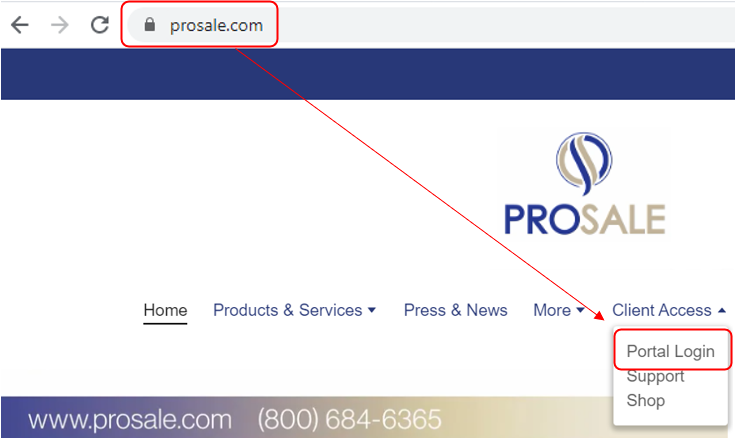
1. Visit https://prosale.com to navigate to the login screen.
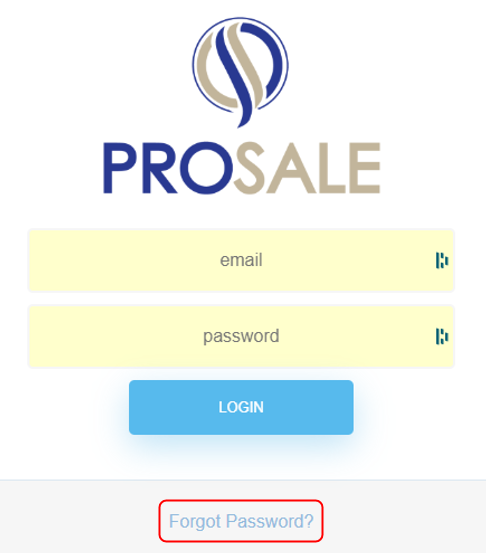
2. Select "Forgot Password" on the login screen.
3. Enter your email and then select submit. This will send a password reset link to your email.
a. 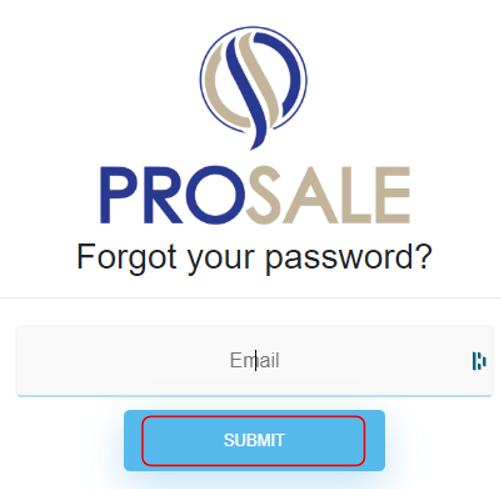
b. 
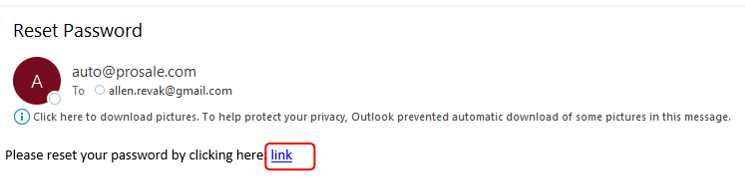
4. Receive the password reset email and click the "link" in that email to reset your password for that email address.
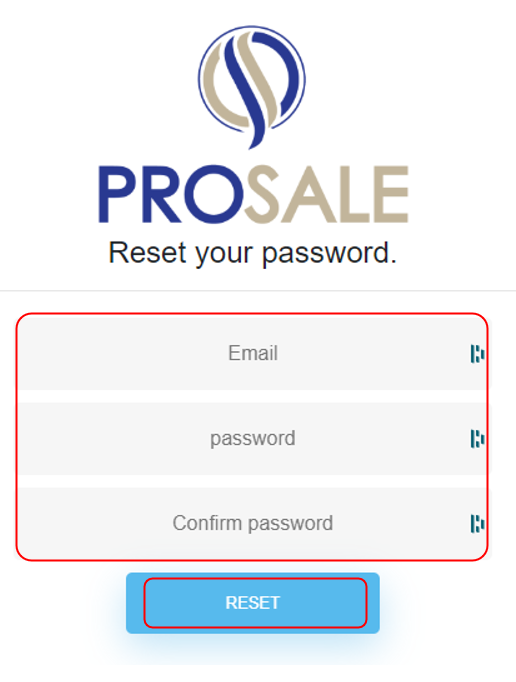
5. Enter your email address and new password twice. Then click "RESET". Your password will be reset and you will be able to login again.
Comments
0 comments
Please sign in to leave a comment.